Vous souhaitez partager votre contenu sur R-bloggers ? cliquez ici si vous avez un blog, ou ici si vous n’en avez pas.

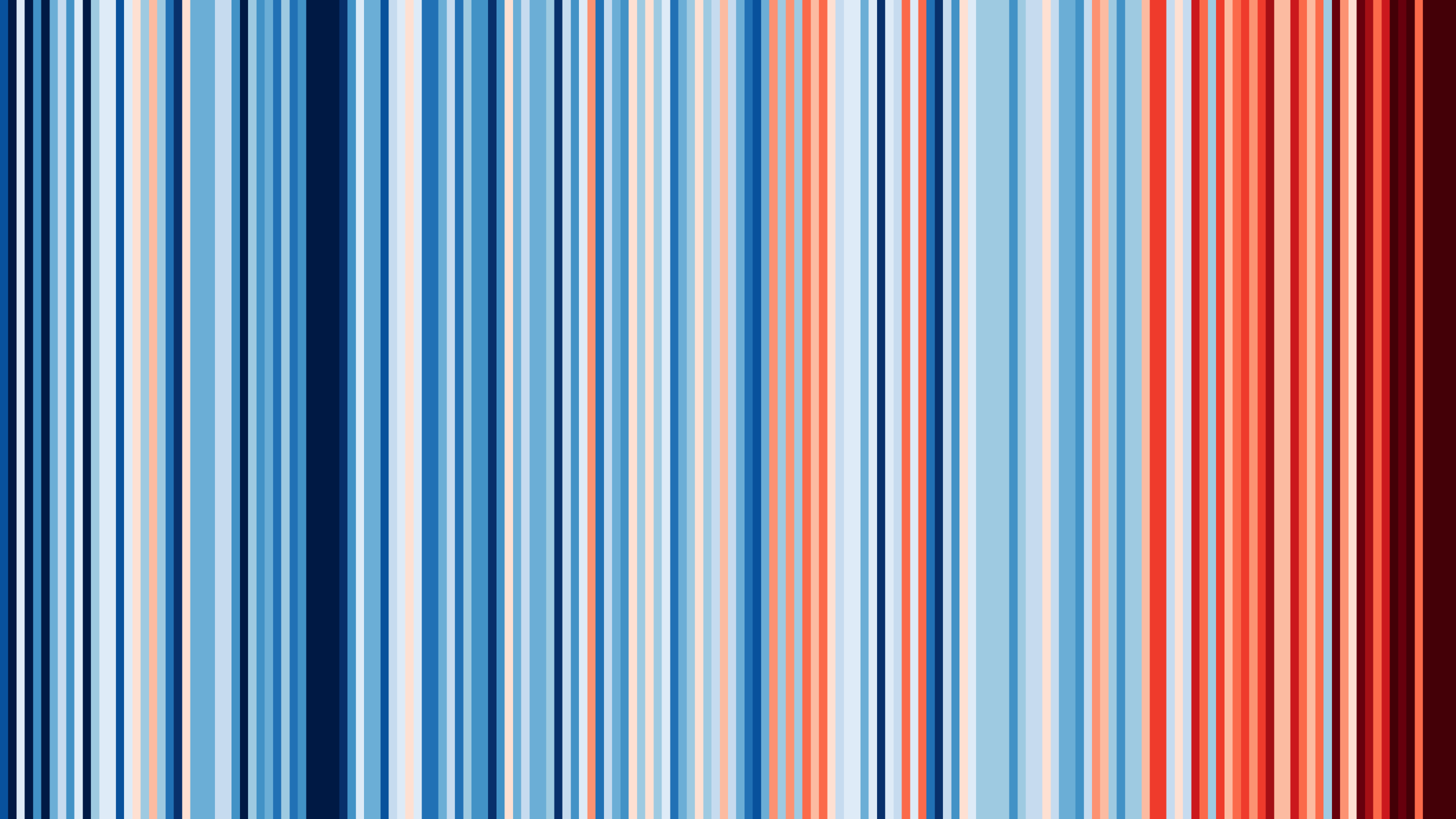
Alors que la France entre dans sa deuxième vague de chaleur de 2026, pouvons-nous produire des tracés plus détaillés que les excellentes visualisations fournies par ShowYourStripes ?
MétéoFrance propose son jeu de données SIM2 mensuel mais sur une période plus courte (actuellement 1970-2025). L’ensemble de données comprend la température, les précipitations et d’autres variables sur une grille de résolution de 8 km.
Nous allons sélectionner une ville française, récupérer ses coordonnées géographiques, construire la grille pour un mois spécifique sur la période 1970-2025, extraire les données de la grille à cet endroit et tracer l’anomalie de température.
Nous utiliserons {terra} pour créer la grille à partir des fichiers tabulaires contenant les centres cellulaires et les variables météorologiques, et terra::extract() pour obtenir toutes les températures.
library(tidyverse)
library(fs)
library(janitor)
library(osmdata)
library(sf)
library(terra)
library(glue)
library(memoise)

invisible(
  Sys.setlocale(category = "LC_ALL",
                locale = "en_GB.UTF8"))


#' Geolocate using OSM (Nominatim API)
#'
#' using first result
#' Memoized function
#'
#' @param location (char): place name (geocodable via OSM)
#'
#' @returns (SpatVector): first result
geolocate <- memoise(function(location) {
  loc <- getbb(location, format_out = "sf_polygon")  |>
    st_point_on_surface() |>
    slice_head(n = 1)

  message(glue("{loc$display_name} — WGS84 : {loc$geometry}"))

  return(loc|>
           st_transform("IGNF:NTFLAMB2E") |>
           as("SpatVector"))
})

#' Generate a monthly temperature chart since 1970
#'
#' @param sim2 (data.frame): Météo-France SIM2 data over the period
#' @param month (char): month number "01"..."12"
#' @param location (char): place name (geocodable via OSM); memoized
#' @param output_dir (char): directory path where a PNG file will be written, if not NULL
#'
#' @returns (ggplot and optionally a file on disk)
generate_chart <- function(
    sim2,
    month,
    location,
    output_dir = NULL) {
  stopifnot(month %in% sprintf("%02d", 1:12))
  month_name <- format(ymd(glue("0000-{month}-01")), "%B")

  sim2_raster <- sim2 |>
    filter(str_detect(date, glue("{month}$"))) |>
    mutate(
      x = lambx * 100,
      y = lamby * 100,
      layer = date,
      temp = t,
      .keep = "none") |>
    rast(
      type = "xylz",
      crs = "IGNF:NTFLAMB2E")

  loc <- geolocate(location)

  temperatures <- sim2_raster |>
    terra::extract(loc) |>
    select(-ID) |>
    pivot_longer(
      cols = everything(),
      names_to = "month",
      values_to = "temperature") |>
    mutate(
      year = as.integer(str_sub(month, 1, 4)),
      anomaly = temperature - mean(temperature[year >= 1991 & year <= 2020],
                                   na.rm = TRUE))

  p <- temperatures |>
    ggplot(aes(year, anomaly)) +
    geom_col(aes(fill = anomaly)) +
    geom_smooth(method = "loess",
                formula = y ~ x) +
    scale_fill_gradient2(
      high = scales::muted("red"),
      mid = "white",
      low = scales::muted("blue")) +
    scale_x_continuous(breaks = scales::breaks_pretty()) +
    scale_y_continuous(breaks = scales::breaks_pretty()) +
    labs(
      title = glue("Average monthly anomaly temperature — {month_name}"),
      subtitle = location,
      x = "year",
      y = "departure from average* (°C)",
      fill = "°C",
      caption = glue(
        " — {Sys.Date()}
         data: Météo-France SIM2 — *baseline: 1991–2020 normal for {month_name}")) +
    theme(
      text = element_text(family = "Ubuntu"),
      plot.caption = element_text(size = 7))

  if (!is.null(output_dir)) {
    dir_create(output_dir)

    ggsave(
      glue("{output_dir}/tm_{month}_{make_clean_names(location)}.png"),
      plot = p,
      width = 20,
      height = 20 / 1.618,
      units = "cm",
      dpi = 150)
  }

  return(p)
}
Les données sont un ensemble de fichiers CSV compressés.
#
# Climate change data - monthly SIM
# all files MENS_SIM2_*-*.csv.gz
sim2 <- dir_ls("data") |>
  read_delim(
    delim = ";",
    locale = locale(decimal_mark = "."),
    name_repair = make_clean_names)
Maintenant, nous appelons simplement notre fonction.
generate_chart(sim2,
               month = "06",
               location = "Paris, France")


Figure 1 : Température de juin à Paris 1970-2025
Si nous voulons chaque mois :
# for each month
sprintf("%02d", 1:12) |>
  map(\(x) generate_chart(sim2,
                           month = x,
                           location = "Grenoble, France",
                           output_dir = "results"),
  .progress = TRUE)
Notez que les échelles ne sont pas constantes d’une parcelle à l’autre ; si nous voulons comparer des mois (ou des lieux), nous devons corriger l’axe y et l’échelle de couleurs. C’est laissé en exercice au lecteur si vous souhaitez réaliser une jolie affiche…
En rapport
PakarPBN
A Private Blog Network (PBN) is a collection of websites that are controlled by a single individual or organization and used primarily to build backlinks to a “money site” in order to influence its ranking in search engines such as Google. The core idea behind a PBN is based on the importance of backlinks in Google’s ranking algorithm. Since Google views backlinks as signals of authority and trust, some website owners attempt to artificially create these signals through a controlled network of sites.
In a typical PBN setup, the owner acquires expired or aged domains that already have existing authority, backlinks, and history. These domains are rebuilt with new content and hosted separately, often using different IP addresses, hosting providers, themes, and ownership details to make them appear unrelated. Within the content published on these sites, links are strategically placed that point to the main website the owner wants to rank higher. By doing this, the owner attempts to pass link equity (also known as “link juice”) from the PBN sites to the target website.
The purpose of a PBN is to give the impression that the target website is naturally earning links from multiple independent sources. If done effectively, this can temporarily improve keyword rankings, increase organic visibility, and drive more traffic from search results.